
 Host Login
 Members Login


Operators Onboarding Guide
 Published by:
Admin User
•
Published by:
Admin User
•
 Published on: 05-01-2026
Introduction
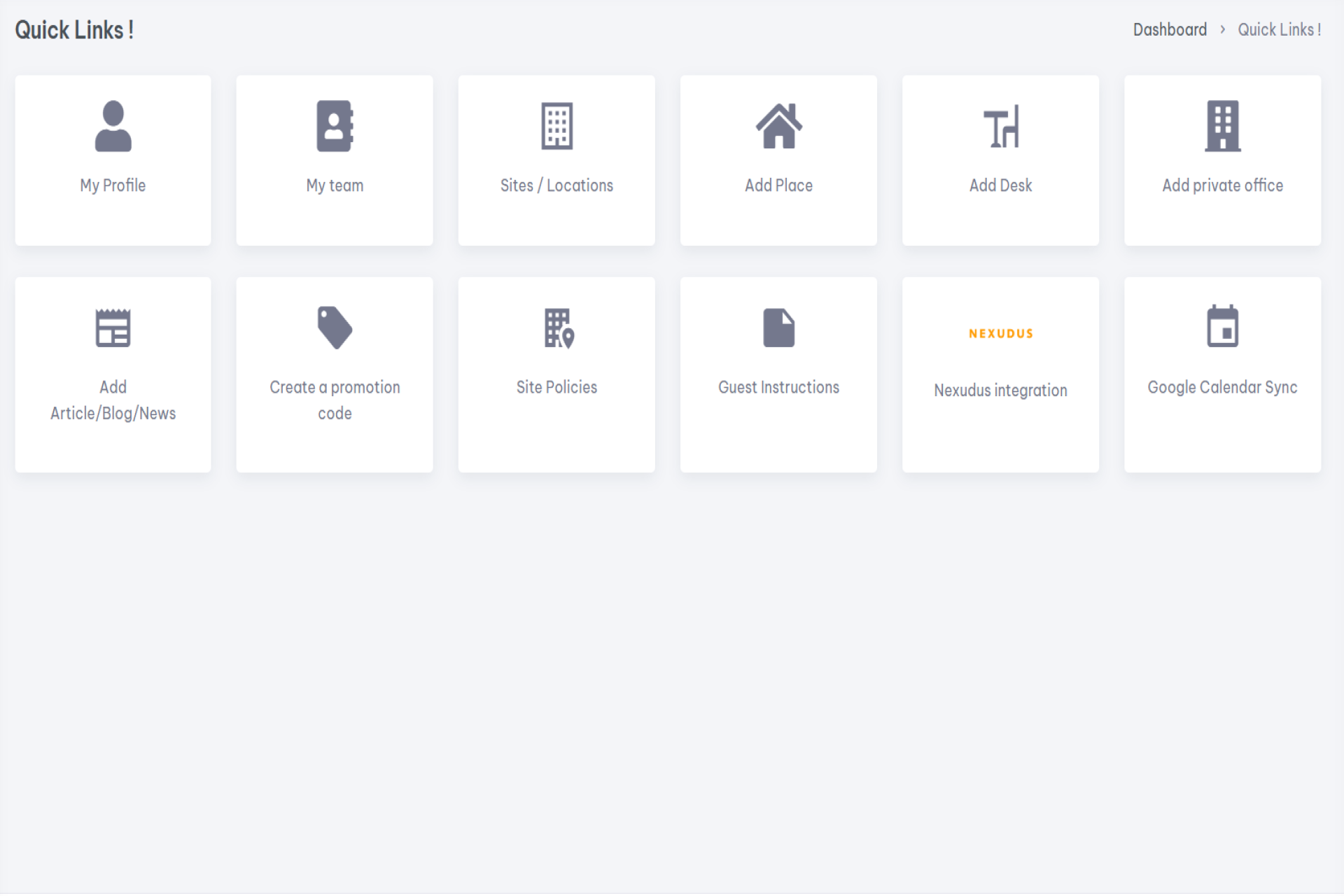
🚀 Operator Onboarding: Step-by-Step Guide
Once you have created an account as a Host / Operator, follow the steps below to complete your onboarding and start listing and managing your spaces efficiently.
👤 Step 1: Complete Your Profile (Watch demo video)
Fill in your operator profile with accurate business details, contact information, and branding. A complete profile builds trust and ensures your listings look professional.
📍 Step 2: Add Sites (Watch demo video)
Create your sites or locations by adding the address, availability, amenities, images, and other site-level details.
🪑 Step 3: Add On-Demand Spaces (Watch demo video)
Add bookable on-demand spaces, including:
-
🏢 Meeting Rooms
-
💺 Coworking Desks
-
🕘 Day Offices
Set availability, pricing, and capacity for each space.
🔐 Step 4: Add Private Offices (Watch Demo Video)
List your private offices with full details such as office size, pricing, contract terms, and availability.
👥 Step 5: Add Team Members (Watch Demo Video)
Invite team members and assign roles so they can help manage sites, bookings, and enquiries.
Settings >> My Teams
- Invite Team Member
- Select site or multiple sites, this team member manages
- Here you have options to select from what Team Member is allowed to access, You can allow all features of dashboard or particular options depend on the job role.
- Provide email addree
- Finally click Invite
💳 Step 6: Add Payment Methods
Set up payment methods to securely receive bookings and manage transactions.
Settings >> Payment Methods >> Add New
- Select Bank Account
- Select a site this bank account is related to.
- Add details (If Swift code or IBAN is not applicable - Add 0000)
Click Submit
📜 Step 7: Add Site Policies
Define your site policies, including cancellation terms, access rules, and usage guidelines.
📝 Step 8: Add Site Instructions
Provide clear guest instructions such as check-in details, access information, and on-site guidance.
🎟️ Step 9: Add Discount Codes
Create discount or promotional codes to attract new customers and increase bookings.
🔗 Step 10: Integrate with Nexudus
Connect your account with Nexudus to synchronise spaces, availability, and member data.
📅 Step 11: Integrate with Google Calendar
Integrate Google Calendar to keep bookings, availability, and schedules automatically in sync.
🔌 Step 12: API Documentation
Access the API documentation to integrate your sites and spaces with external systems, CRMs, or custom workflows.